> ## Documentation Index
> Fetch the complete documentation index at: https://docs.outrival.com/llms.txt
> Use this file to discover all available pages before exploring further.
# Authentication
In order to authenticate your REST API calls you need to provide an `API Key` via the `X-API-Key` header.
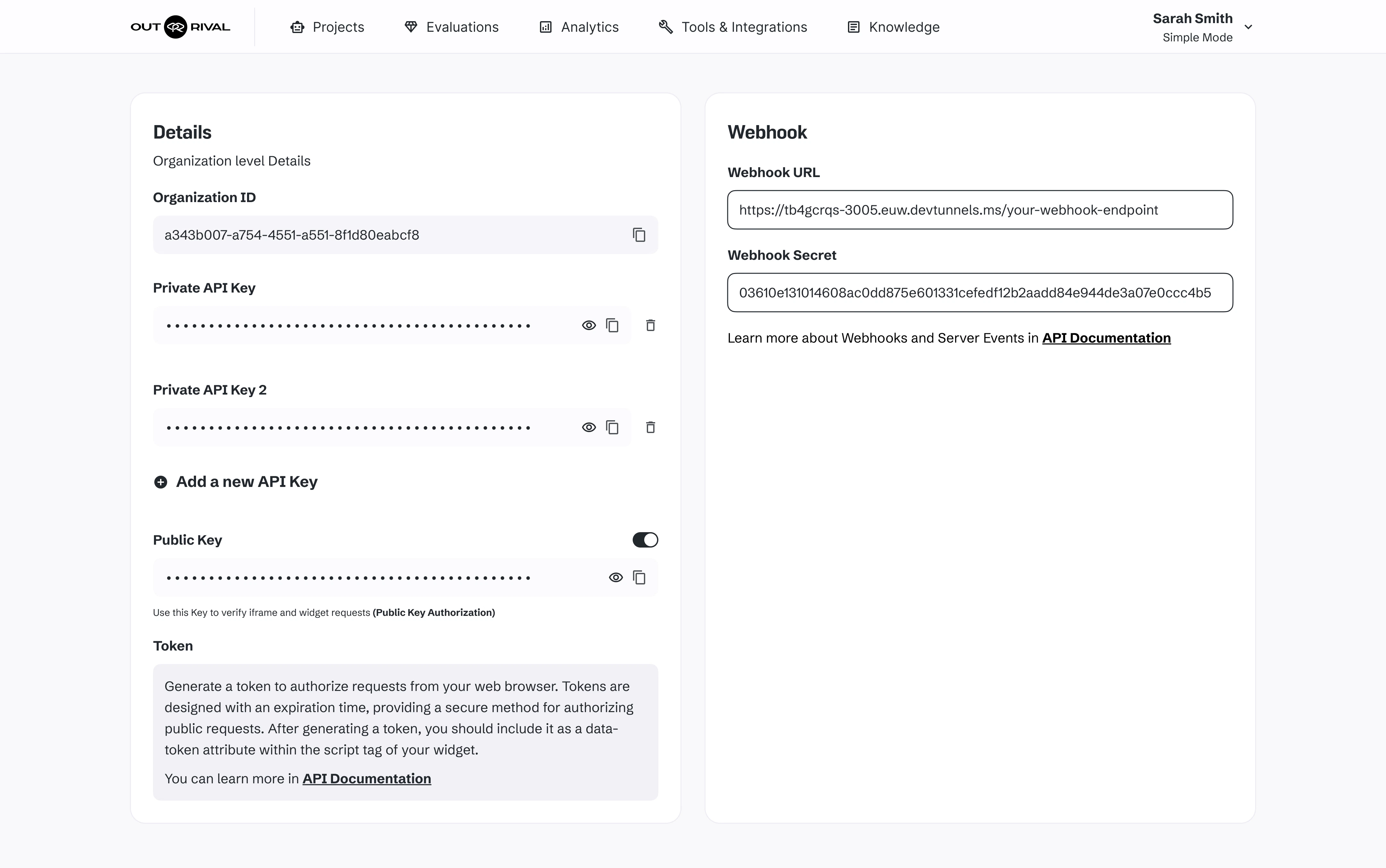
## Where do I get the API key ?
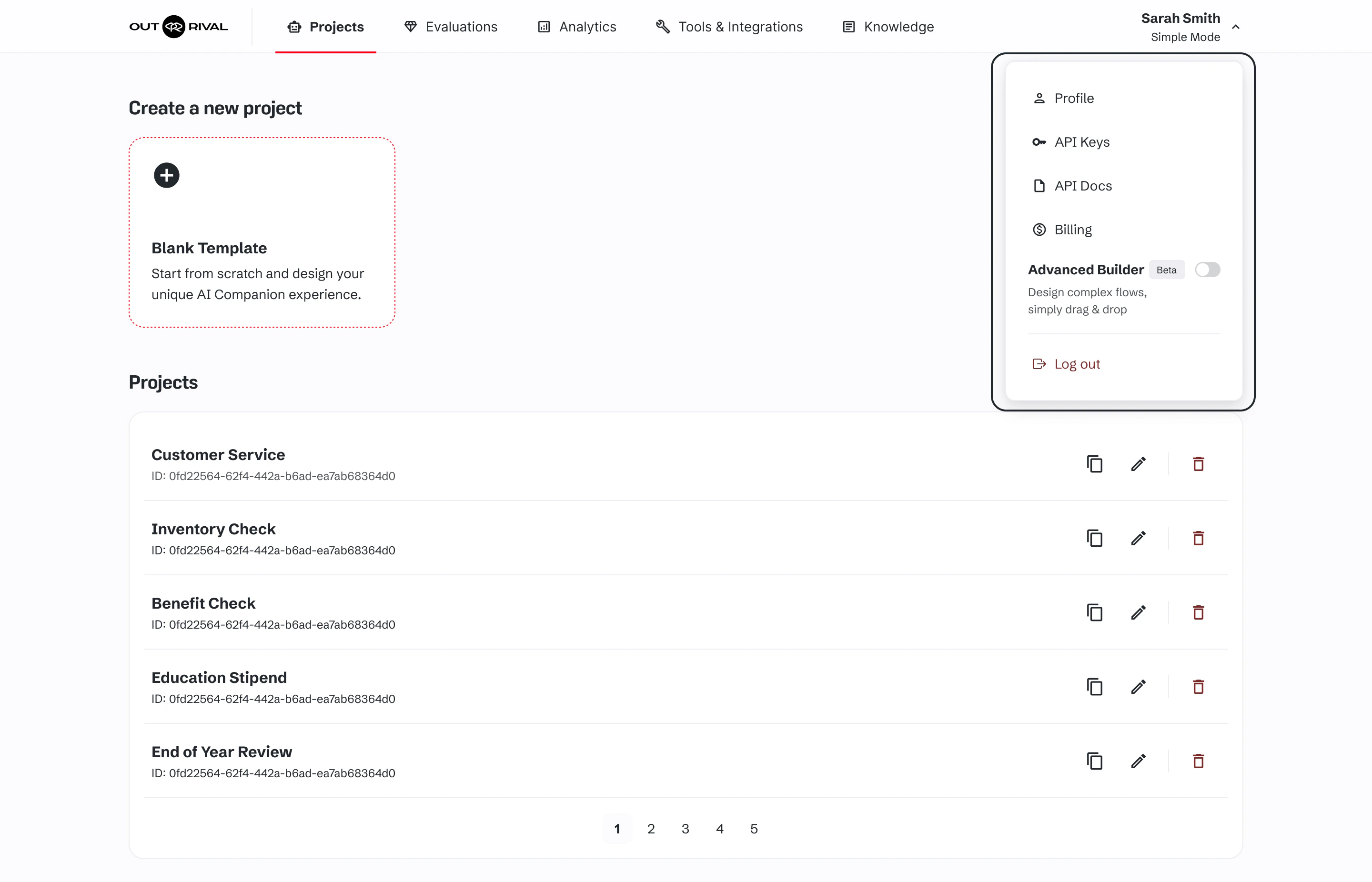
API keys page located at [API Keys page](https://builder.outrival.com/api-keys), or you can find it in the dropdown on the right top corner
 Here you can find useful information and settings for API uses and integration.
All the settings and adjustments will be connected to your organization. Please be aware that all changes will affect all companions.
Here you can find useful information and settings for API uses and integration.
All the settings and adjustments will be connected to your organization. Please be aware that all changes will affect all companions.