> ## Documentation Index
> Fetch the complete documentation index at: https://docs.outrival.com/llms.txt
> Use this file to discover all available pages before exploring further.
# Sms deployment
# SMS Deployment Guide
SMS deployment allows you to send text messages to your users through your application. This guide will walk you through the setup and configuration process.
## Prerequisites
Before you begin, ensure you have:
* An active account with a supported SMS provider Twillio.
* You have active a2p phone number
* API credentials from your SMS provider
## Create a new SMS deployment
Click on the `Plus` button in the sidebar.
 And choose `SMS` from the modal.
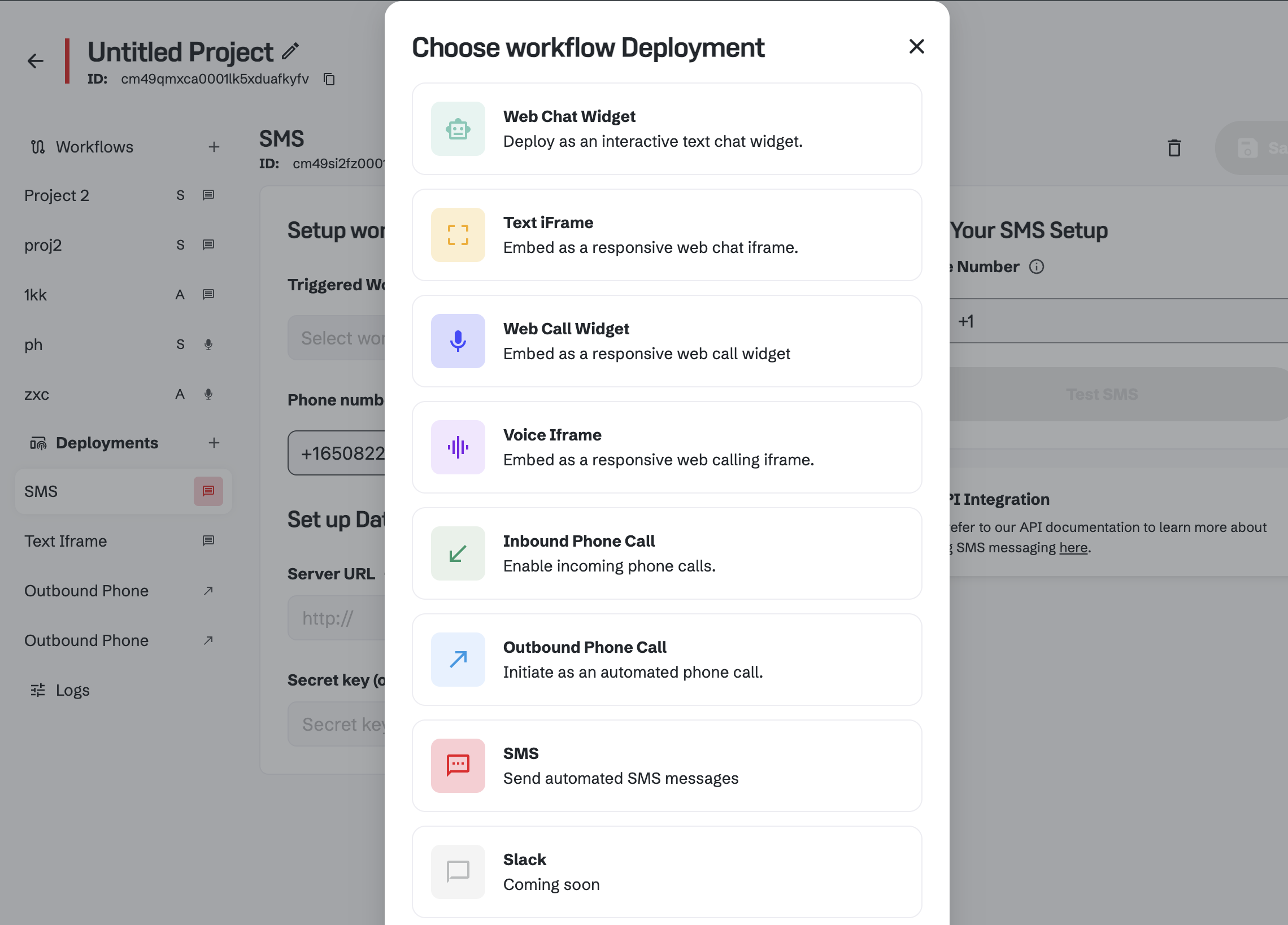 When you will click on the `SMS` button, you will be redirected to the SMS deployment page.
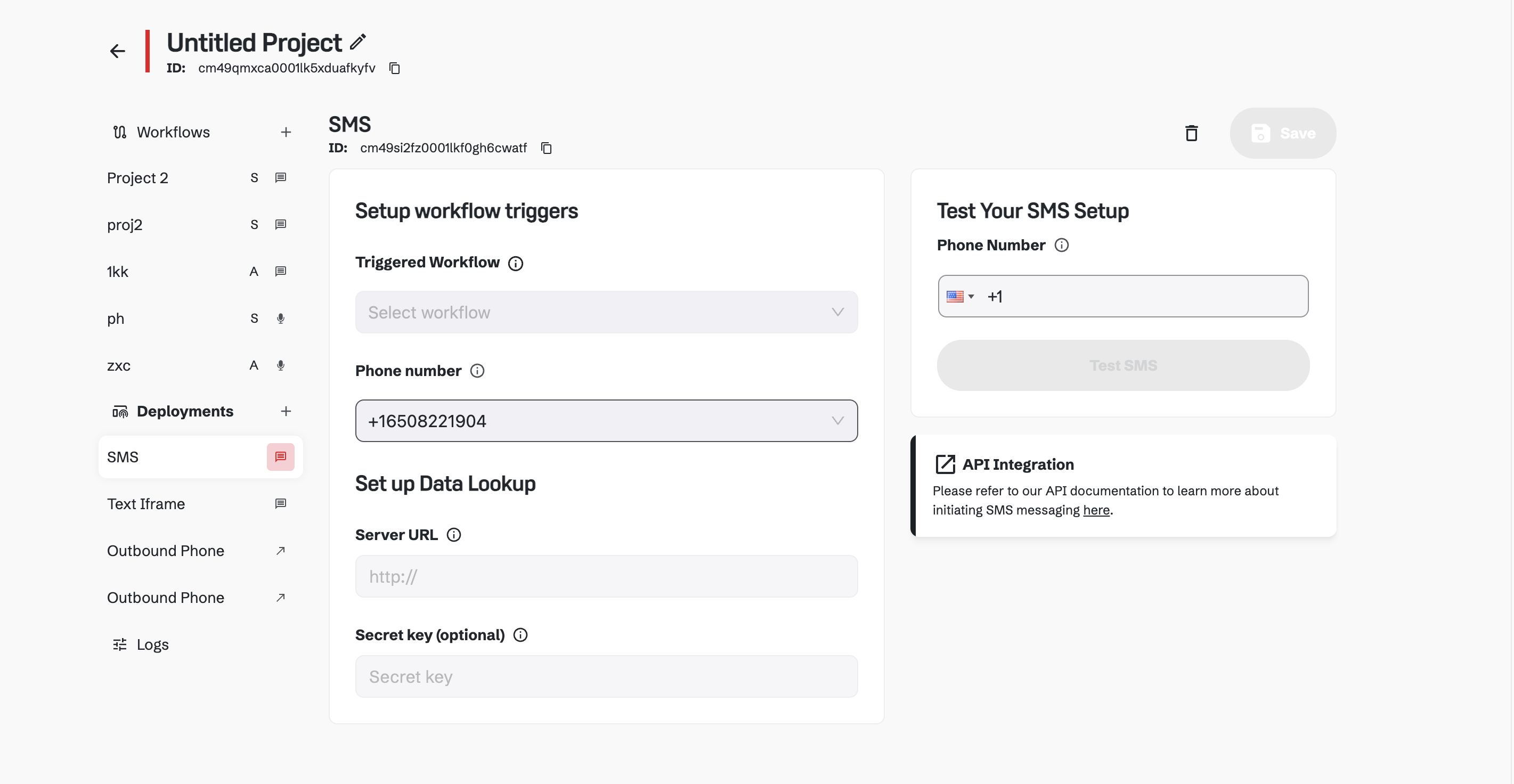 Here you can choose Workflow which will be used to send SMS to your users.
Changes made here will be reflected on production, affecting end-user interactions.
### External Integration API Documentation
#### Overview
Setting serverUrl and secretKey will allow you to save variables on the server. If these fields are not set, extracted variables will be stored in the local database for the current session.
### Configuration Fields
The URL of the external endpoint to which data will be sent or from which data will be retrieved.
If not provided, the data will be handled locally.
The secret key used for authentication when interacting with the external endpoint. If not
provided, no authentication will be used.
### Usage
Both updating and retrieving extracted variables use the same configuration. The type field in the request specifies the operation.
## SMS Deployment testing
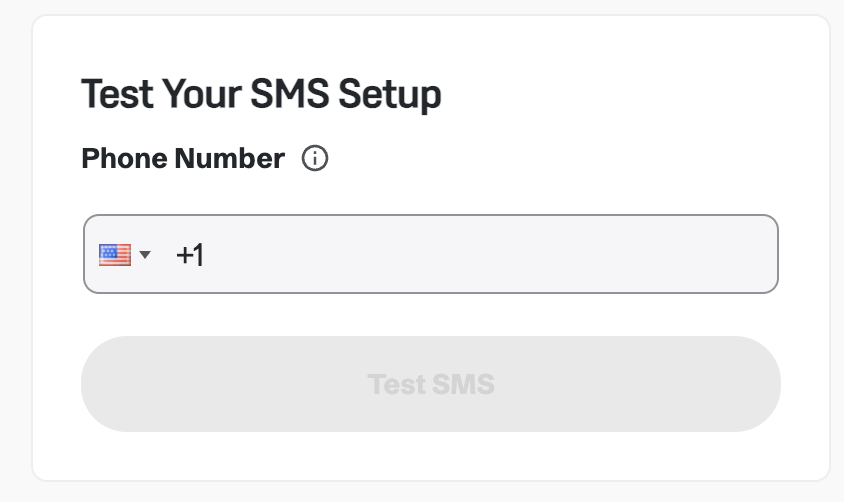
You can test your SMS deployment by adding any number and clicking on the `Test SMS` button in the sidebar. As a result - you will receive a test SMS on the given number. You can also respond to the SMS and chat with your AI, which you should set up in the connected Workflow.
Here you can choose Workflow which will be used to send SMS to your users.
Changes made here will be reflected on production, affecting end-user interactions.
### External Integration API Documentation
#### Overview
Setting serverUrl and secretKey will allow you to save variables on the server. If these fields are not set, extracted variables will be stored in the local database for the current session.
### Configuration Fields
The URL of the external endpoint to which data will be sent or from which data will be retrieved.
If not provided, the data will be handled locally.
The secret key used for authentication when interacting with the external endpoint. If not
provided, no authentication will be used.
### Usage
Both updating and retrieving extracted variables use the same configuration. The type field in the request specifies the operation.
## SMS Deployment testing
You can test your SMS deployment by adding any number and clicking on the `Test SMS` button in the sidebar. As a result - you will receive a test SMS on the given number. You can also respond to the SMS and chat with your AI, which you should set up in the connected Workflow.